
The tour
A tour is a walkthrough of the decisions in a branch or PR.
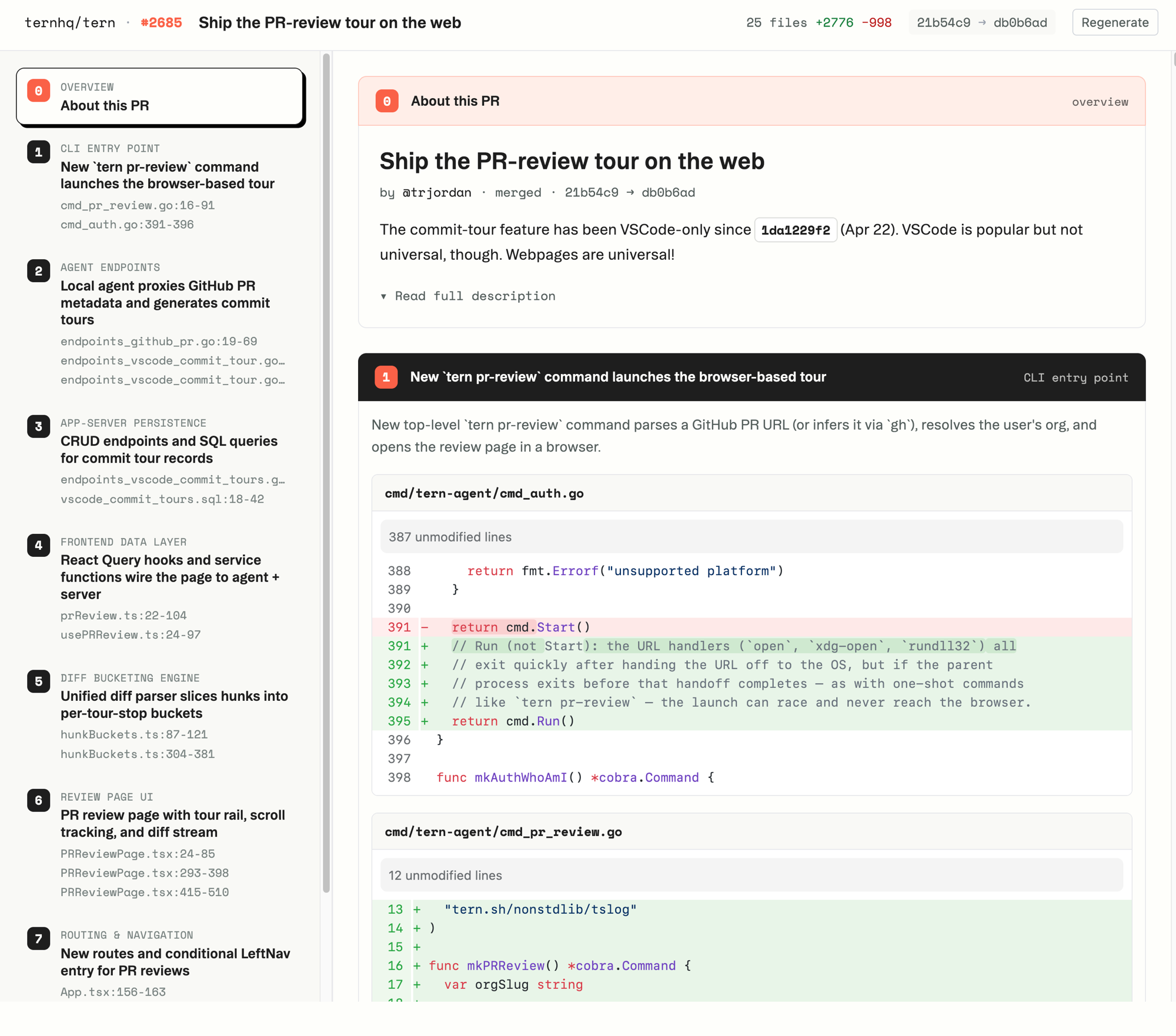
Creating a tour
CLI
tern tourTours the branch you’re on (the open PR if one exists).
In the app
Existing tours live in Tours (/{org}/tours after you sign in).
How it works
Three things feed a tour. If a prompt didn’t attach or the story looks thin, check these.
Prompts. Tern mines the agent sessions already on disk when you first install. To run that again:
tern plandoc bootstrapLens. The tour uses your org’s lens (the nouns you steer on). The default is marked *:
tern lens list
tern lens show default
Hook. The tour is assembled from the decisions the hook recorded as you worked.
See also
A tour is a summary of hook decisions. If the hook isn’t installed yet, start there.
- Install Tern: the CLI, the hook, auth.
- The hook: catch decisions as the agent works.
- Harnesses: which coding agents work with Tern.
- AI Models: which LLM providers Tern can use.